AI PBR Texture Generator
Build synced five-channel physical materials for Blender, Unreal Engine, and Unity—start from text or a photo, inspect 3D lighting, and export one ZIP.
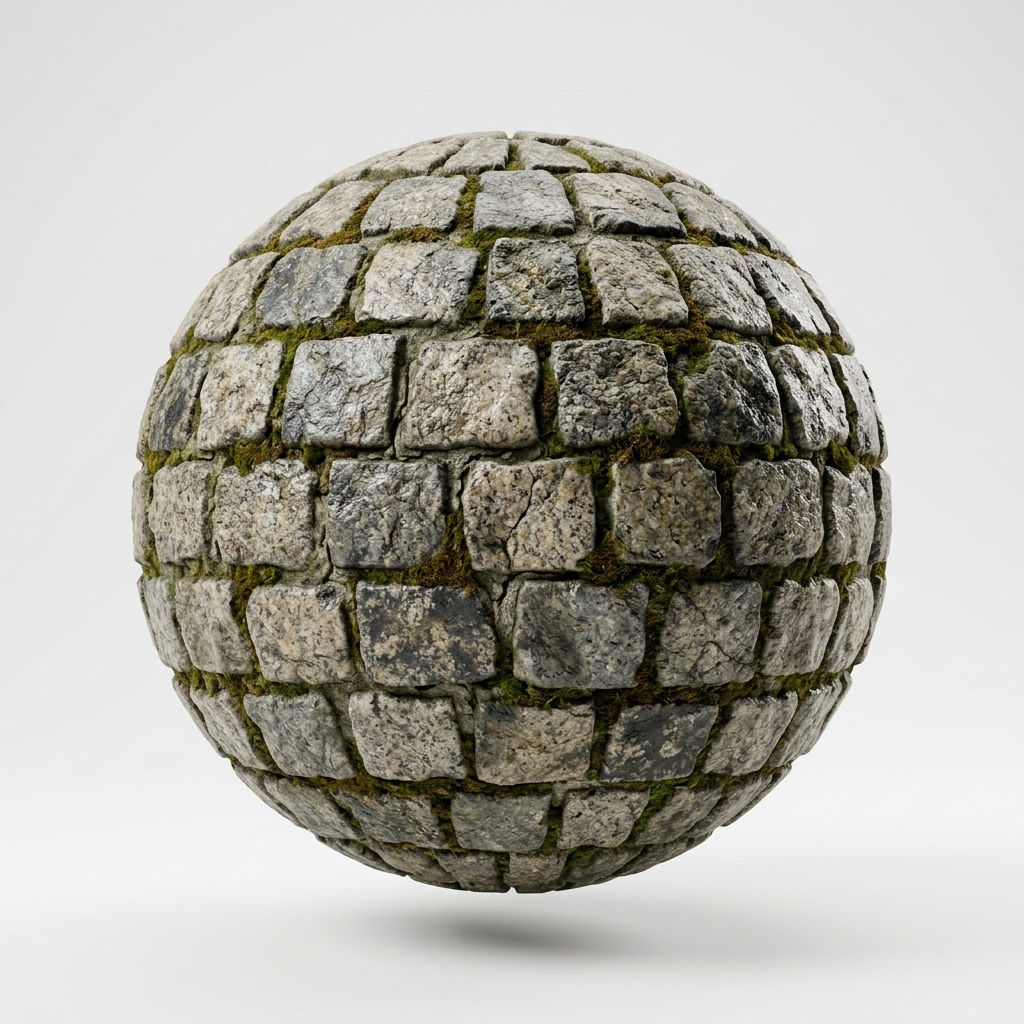
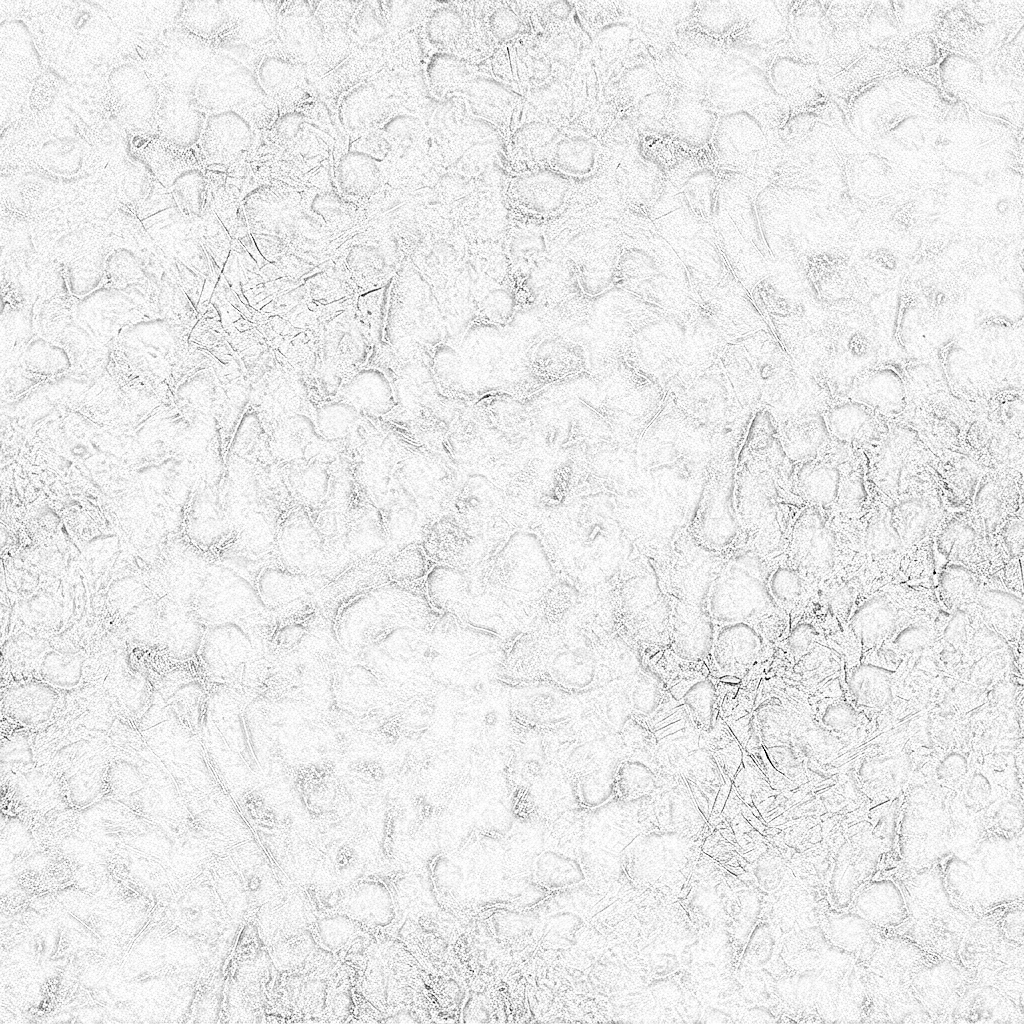
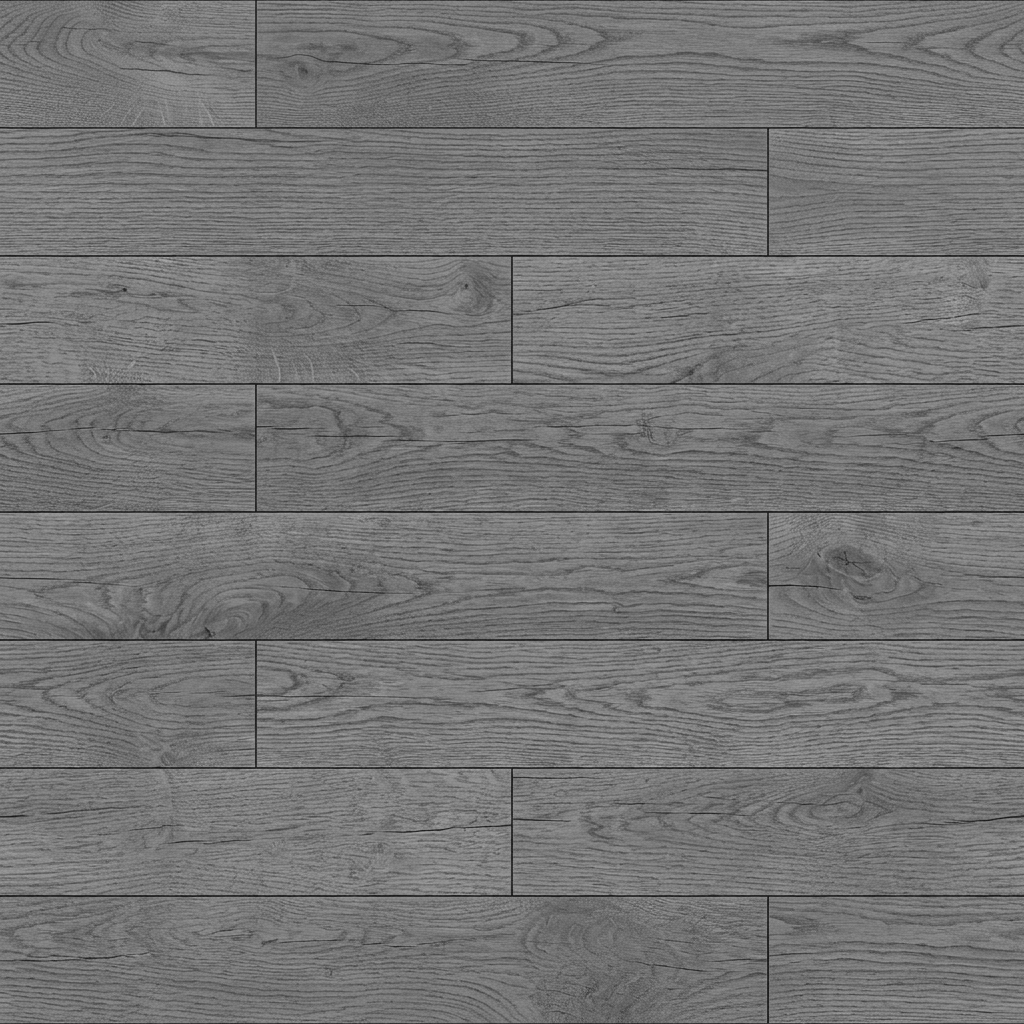
Inspect All 5 Synced PBR Channels
An AI PBR texture generator creates a synchronized set of physically based rendering maps—Albedo, Normal, Roughness, Height, and Ambient Occlusion—from a single prompt or source photo. Switch materials and channels below to see how every layer aligns on the same UV grid before loading a preset into the studio.
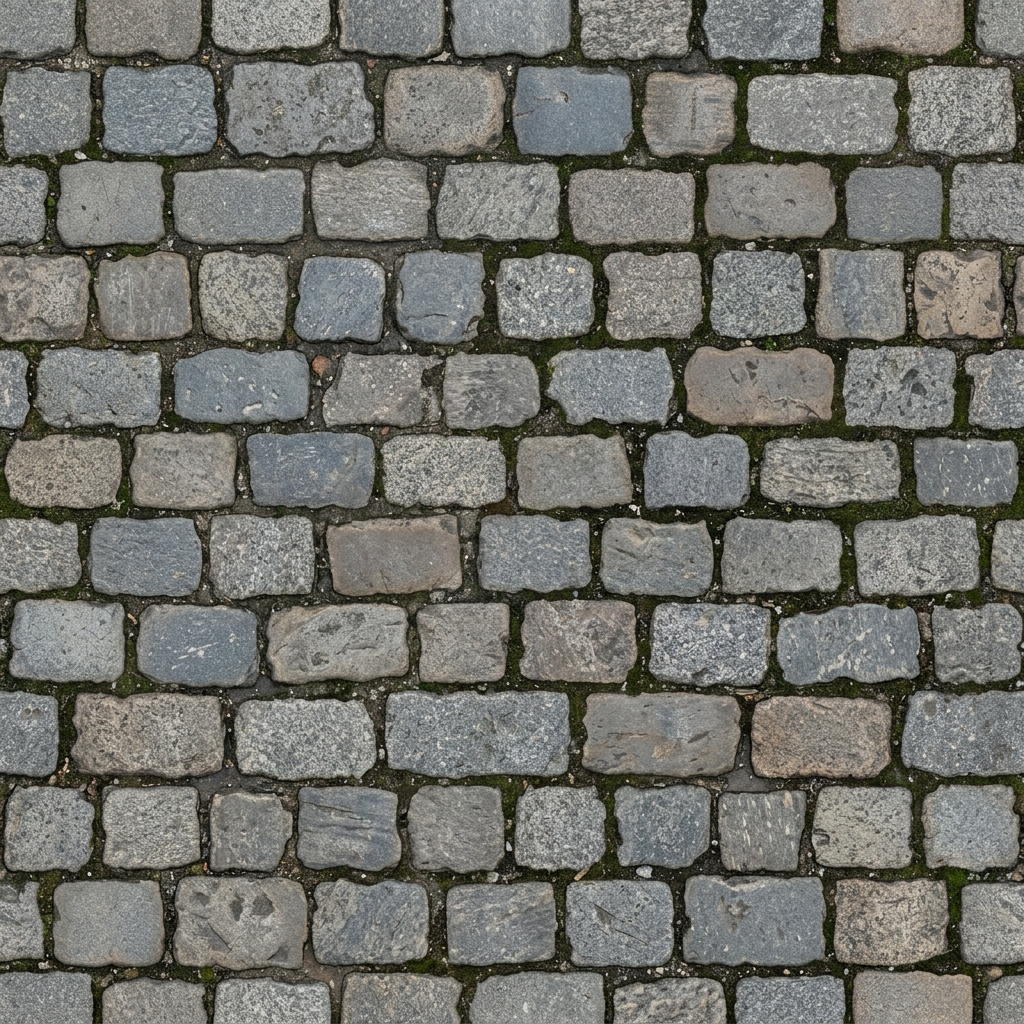
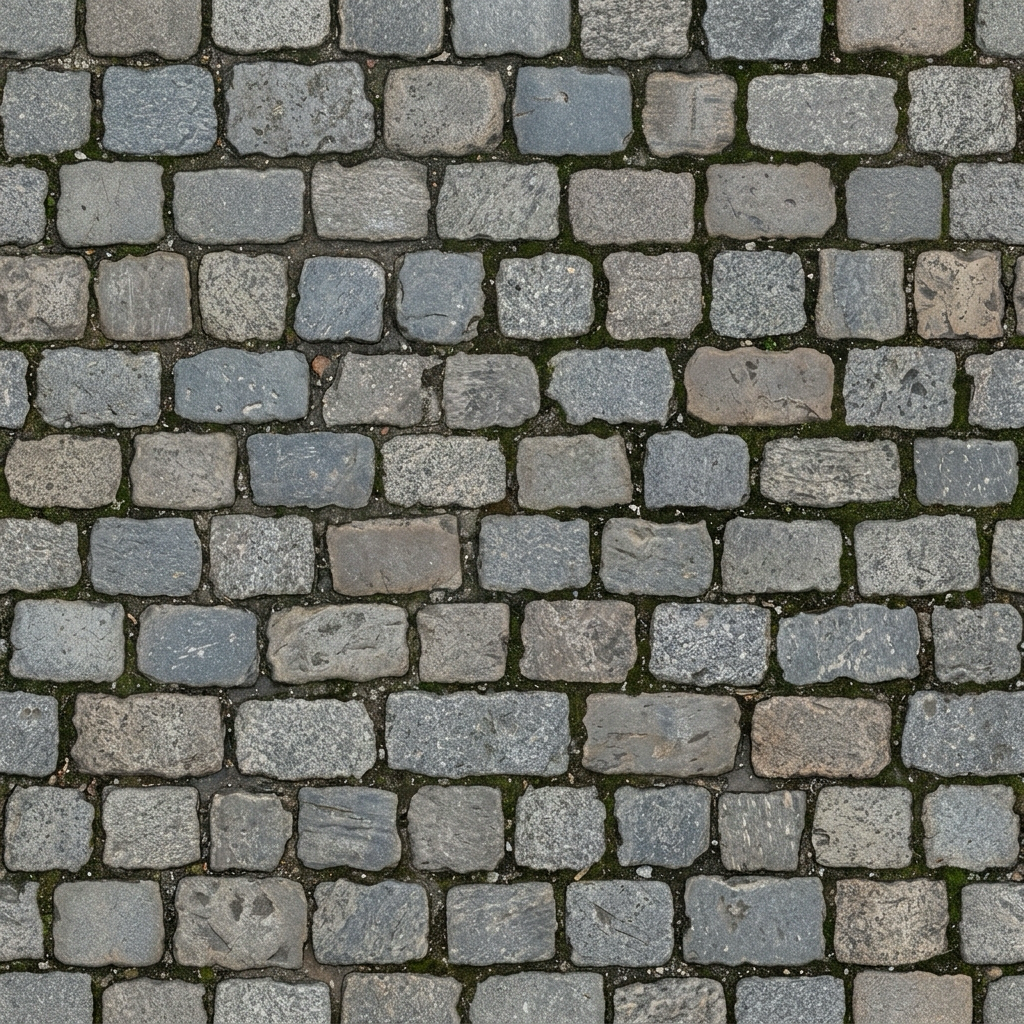
Base diffuse surface color without baked shadows.
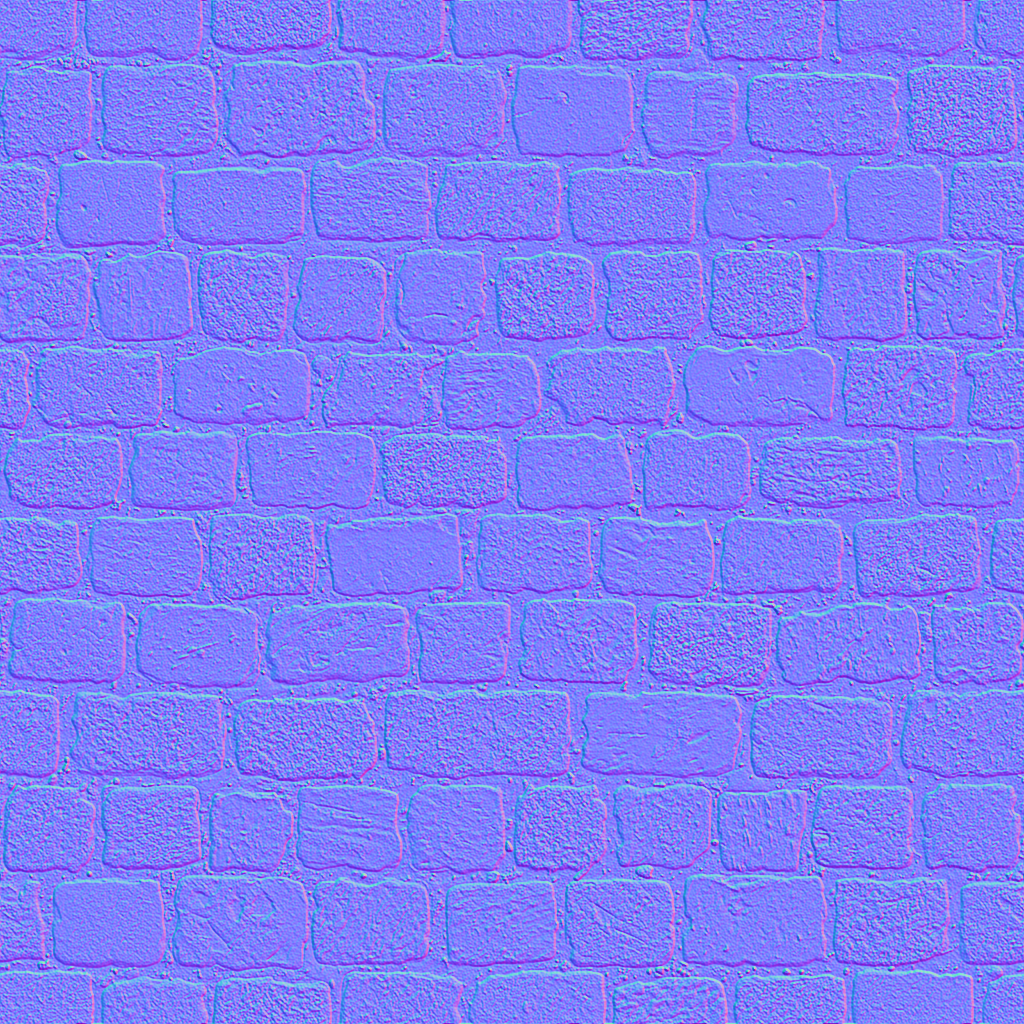
Load in WorkbenchEngine-Accurate Normal & Roughness Controls
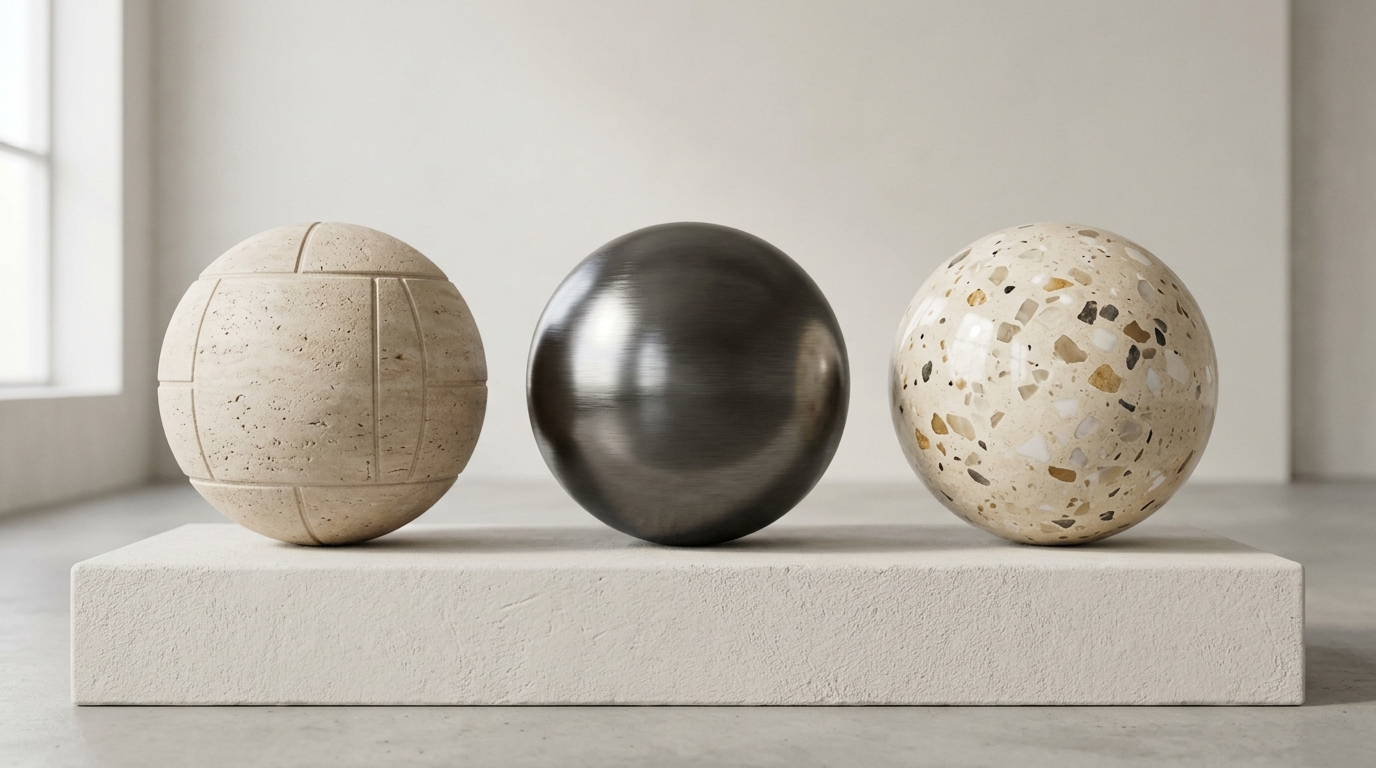
Where Teams Ship Packs From Our AI PBR Texture Generator
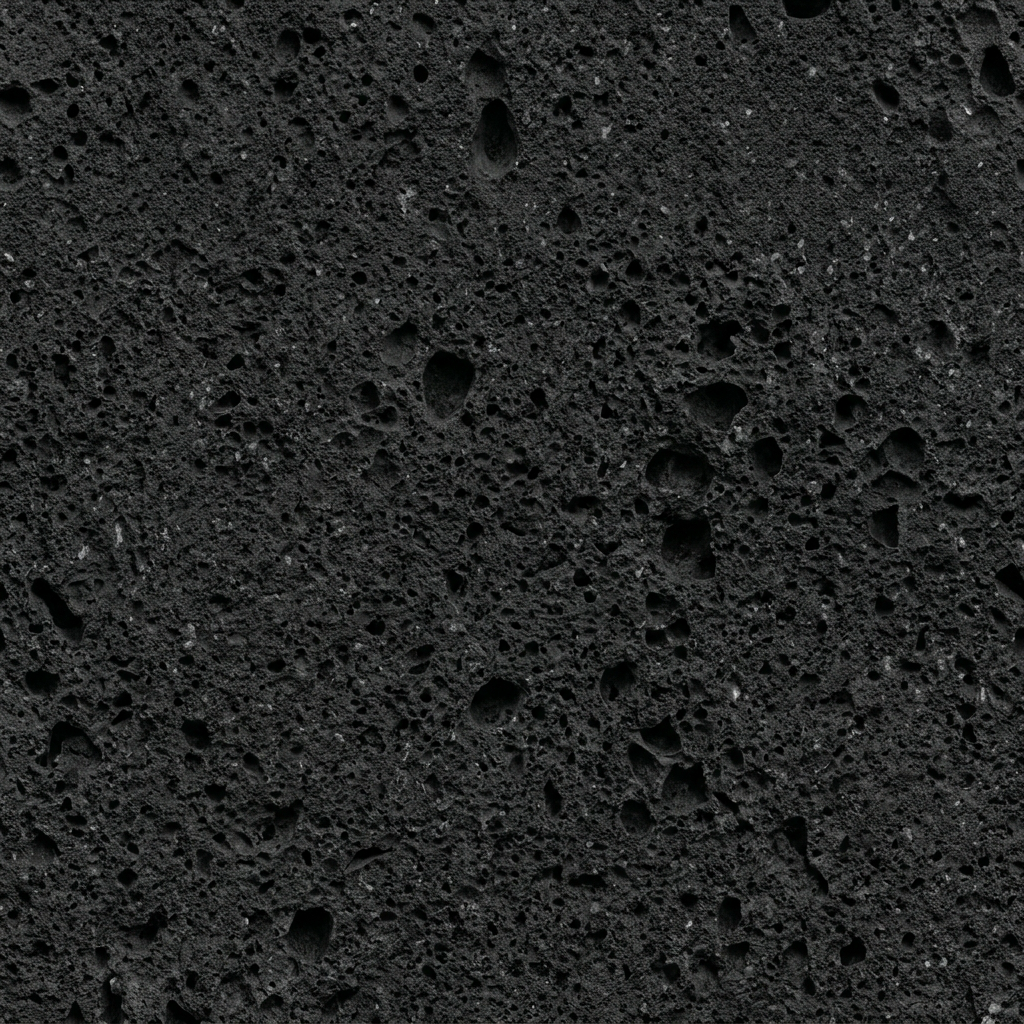
Fast Unreal & Unity Environment Materials
Environment artists use this AI PBR texture generator to build cliff rock, dungeon masonry, and wet asphalt packs in minutes with live 3D specular checks.
How the AI PBR Texture Generator Builds Your 5-Map ZIP
Open PBR StudioPrompt AI or Upload a Photo
Enter a material prompt for synthesis or upload a photo into the AI PBR texture generator for free local extraction.
Tune Depth & 3D Lighting
Spin the Sphere, Cube, or Tile under Studio, Outdoor, or Interior light and adjust Normal Strength or Roughness Contrast.
Download PNG or 5-Map ZIP
Export any single channel from the AI PBR texture generator or download all five synced maps in one ZIP.
Related Material & Map Tools
AI PBR Texture Generator FAQ
Every run outputs five aligned textures: Albedo (base color), Normal (surface angle relief), Roughness (matte-to-gloss response), Height (displacement elevation), and Ambient Occlusion (crevice shadowing). All five maps share the exact same pixel grid so you can plug them directly into a Principled BSDF or Lit shader.
Choose OpenGL (+Y) for Blender, Unity, Godot, Cinema 4D, and Three.js, or switch to DirectX (-Y) for Unreal Engine 5, 3ds Max, and Substance. Mixing up the green channel makes mortar joints pop outward instead of recessing, so switching formats before export saves shader node hacks.
Yes. Switching the AI PBR texture generator workbench to Photo to PBR runs completely in your browser at zero credit cost—upload any diffuse image, calibrate normal strength and roughness contrast, and export the full five-map ZIP free. AI Text-to-PBR uses your account credits (10 for 1K, 20 for 2K, 35 for 4K) to synthesize a new base map first.
Unzip the folder and drag all five PNG files into your material graph. Keep Color Space set to sRGB only on the Albedo map, and switch Normal, Roughness, Height, and Ambient Occlusion to Non-Color (or untick sRGB in Unreal) so linear shading values stay physically accurate.
Real-time renderers calculate shadows and specular highlights dynamically from your Normal, Roughness, and Ambient Occlusion maps. If directional shadows are painted into Albedo, rotating a scene light creates double shadows that look flat and artificial—which is why this PBR texture generator enforces neutral diffuse base light.
Signed-in accounts store AI-generated outputs automatically in My Creations for 7 to 365 days depending on plan tier, and you can also save local Photo-to-PBR extractions to your private library. Clicking Download All PBR (.ZIP) bundles all five aligned PNG maps into one clean archive.
Normal maps simulate fine surface lighting angles without adding geometry, which keeps real-time game framerates fast. Connect the grayscale Height map to Displacement or Parallax Occlusion Mapping on close-up hero walls, cobblestone roads, or carved stone arches where silhouettes need real geometric relief.
Ship Complete PBR Materials in Minutes
Use our AI PBR texture generator above to synthesize 4K base maps or extract five synced channels from any photo for free—no node spaghetti required.
Create PBR Pack