Materials that look real in 3D
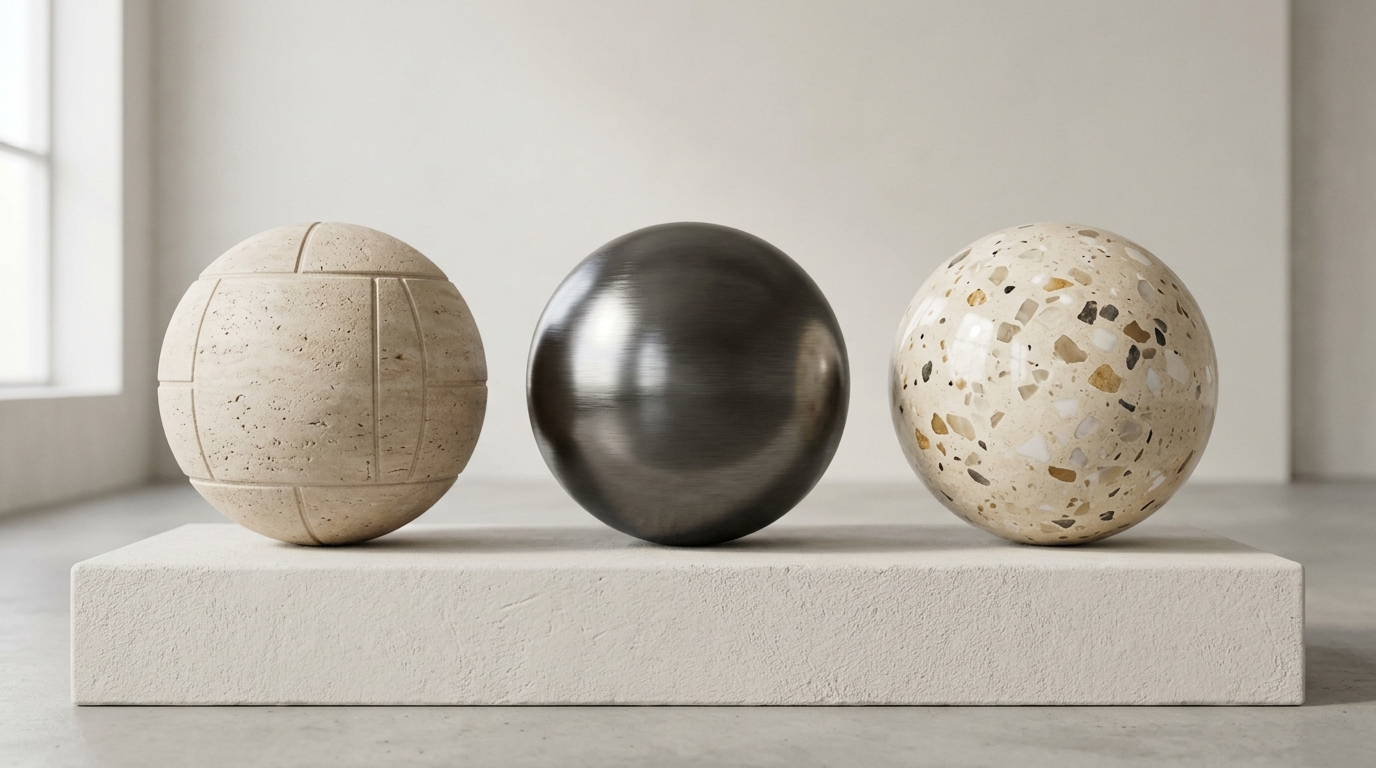
Inspect realistic relief, sheen, and surface scale on studio 3D spheres before exporting.
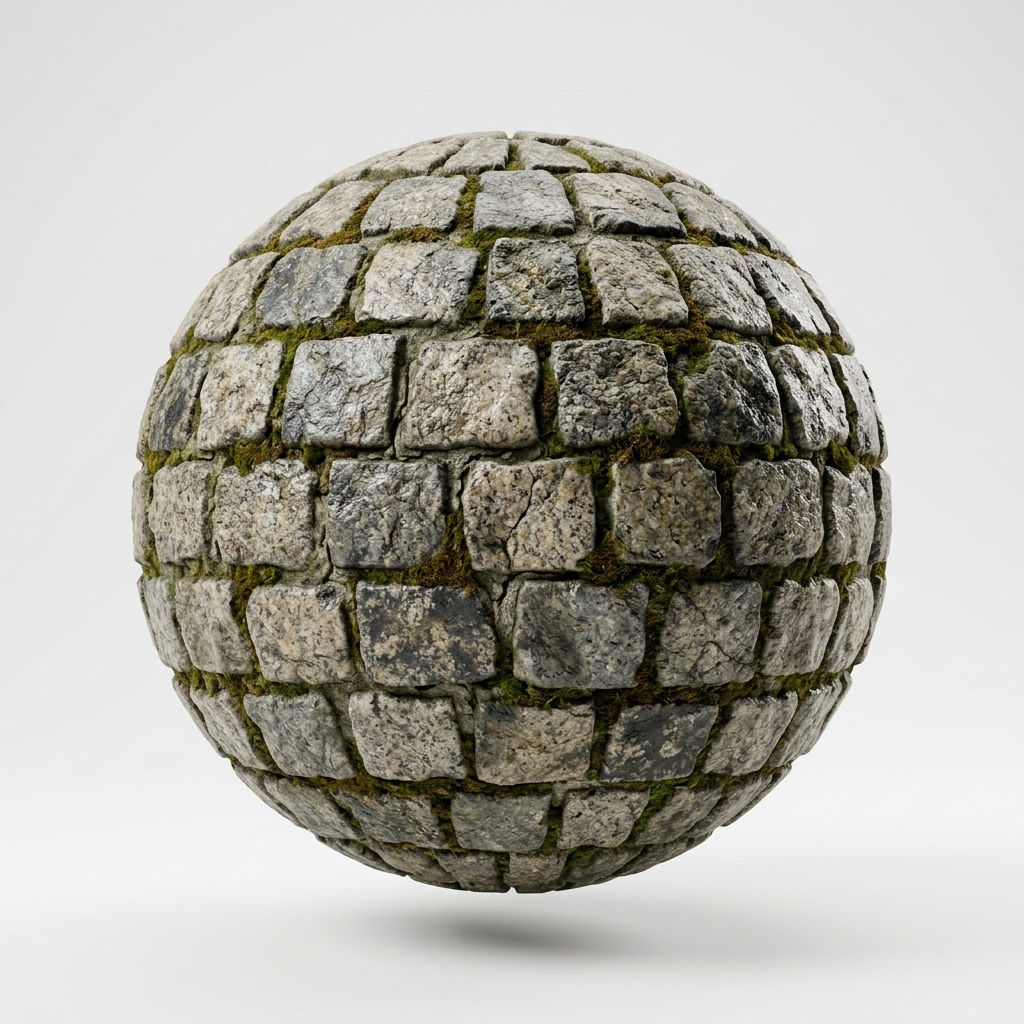
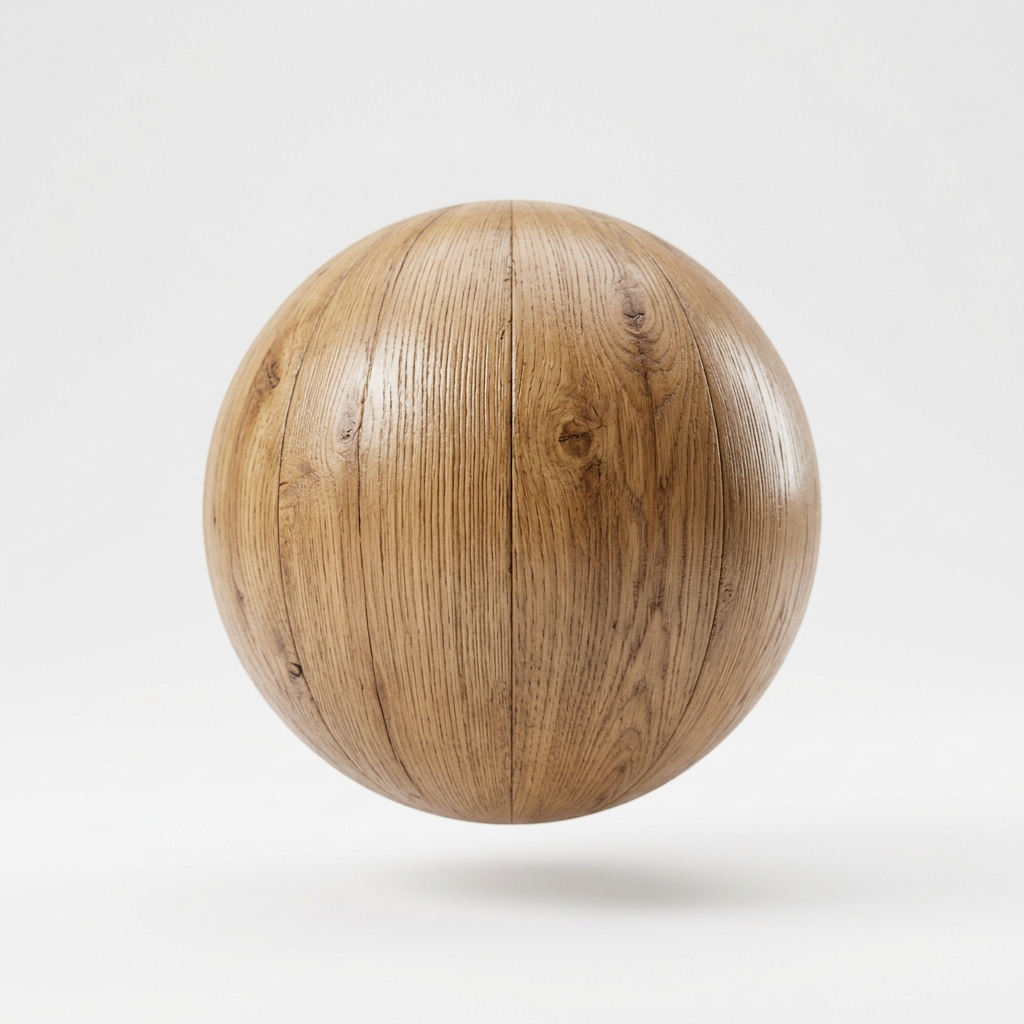
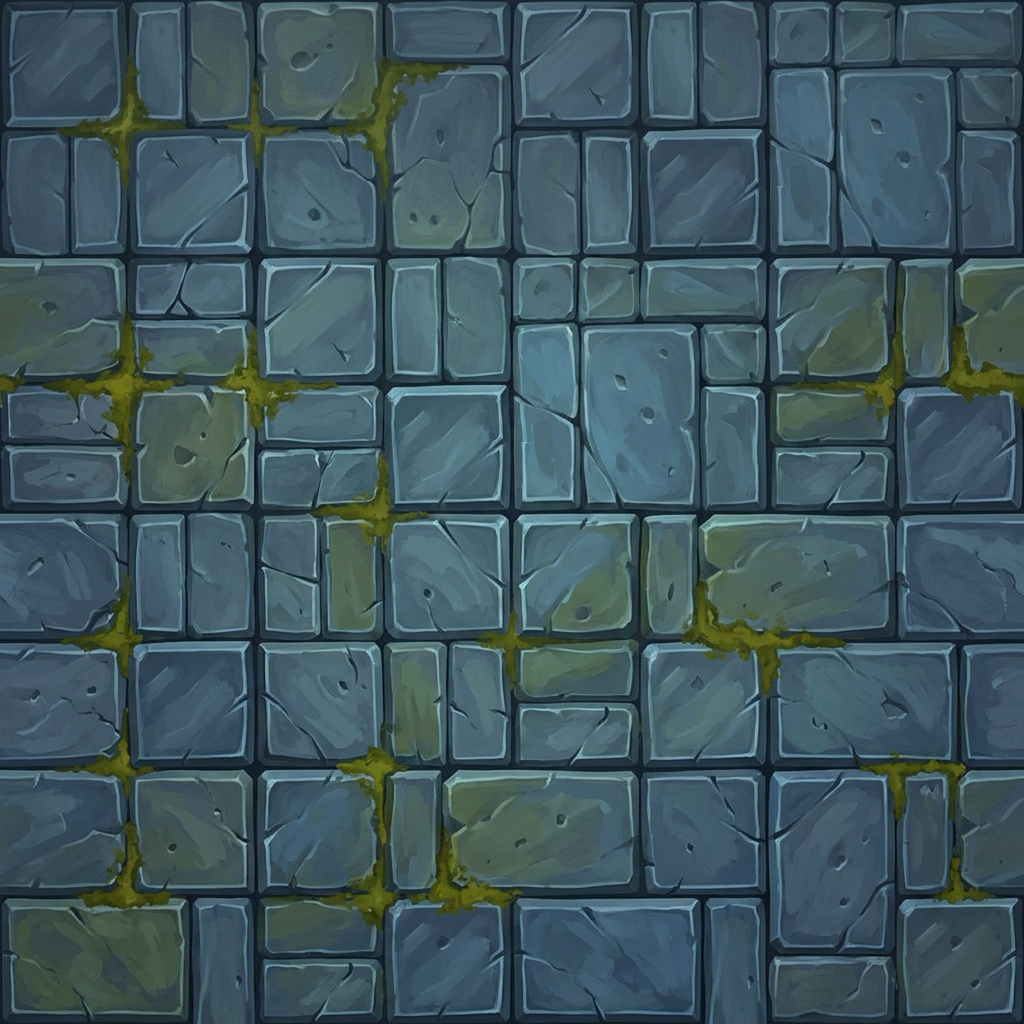
Turn plain material descriptions or reference photos into seamless, tileable textures for games and 3D scenes—inspect the repeat and download right away.
An AI texture generator turns a short material prompt or reference photo into a flat, orthographic, edge-to-edge repeating surface built for Blender, Unreal Engine 5, Unity, Godot, and Revit.
Inspect realistic relief, sheen, and surface scale on studio 3D spheres before exporting.
Color, Normal, Roughness, Height, and AO aligned on one seamless grid.
Upload any real-world reference photo and convert it into a seamless tileable texture with live 3D lighting preview, ready for Blender, Unreal, Unity, and Revit.
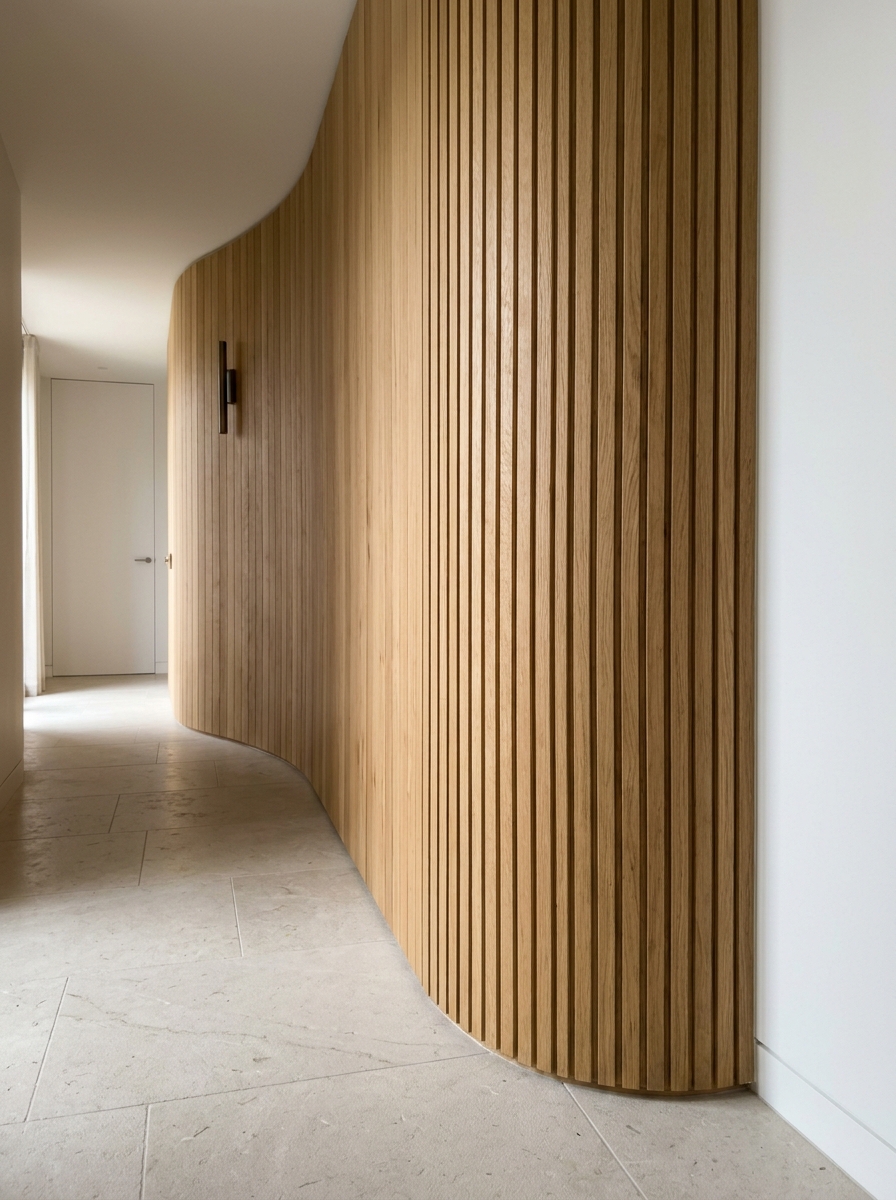 Reference
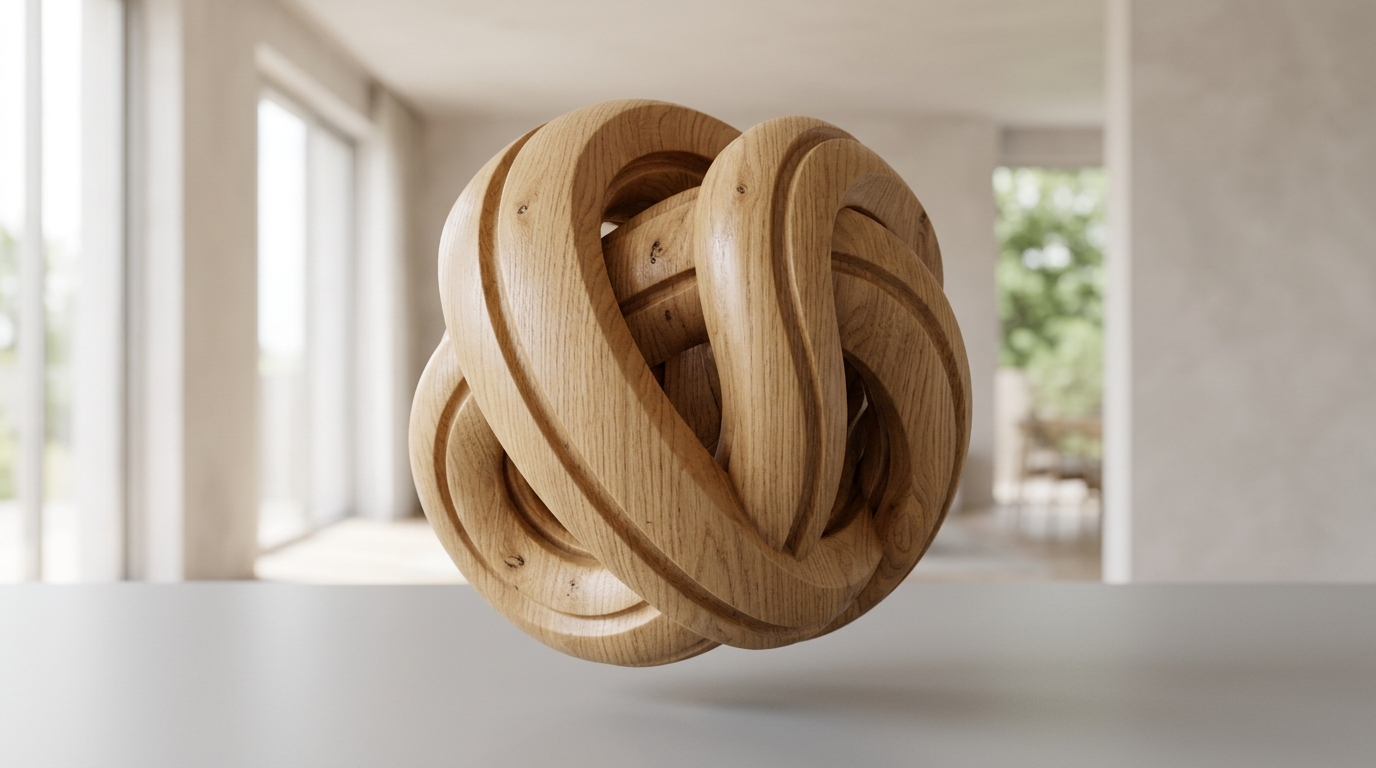 AI-created 3D texture
Click any sample material below to load its exact prompt and style straight into the texture generator workbench above.
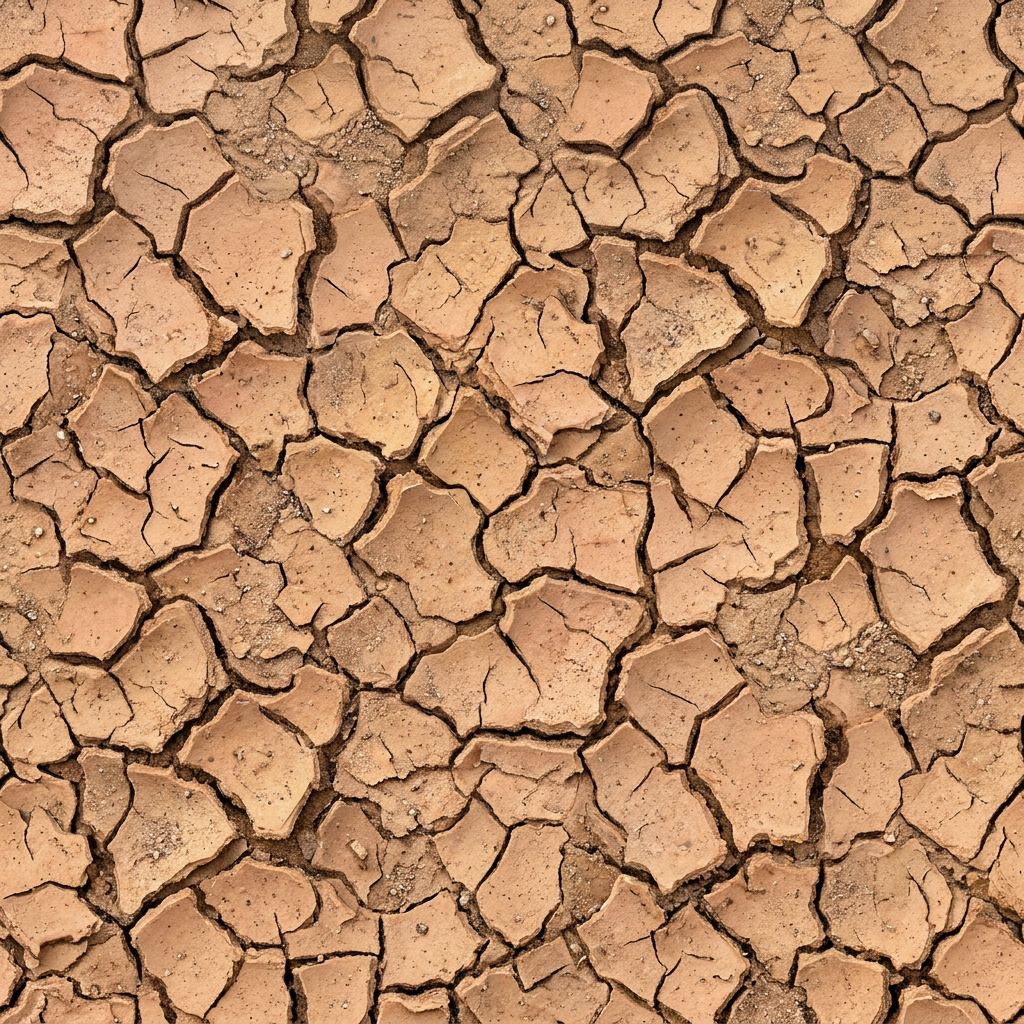 Cracked Desert Clay
Dry cracked desert mud clay ground with natural polygonal fissures and ochre mineral dust, orthographic top-down seamless texture
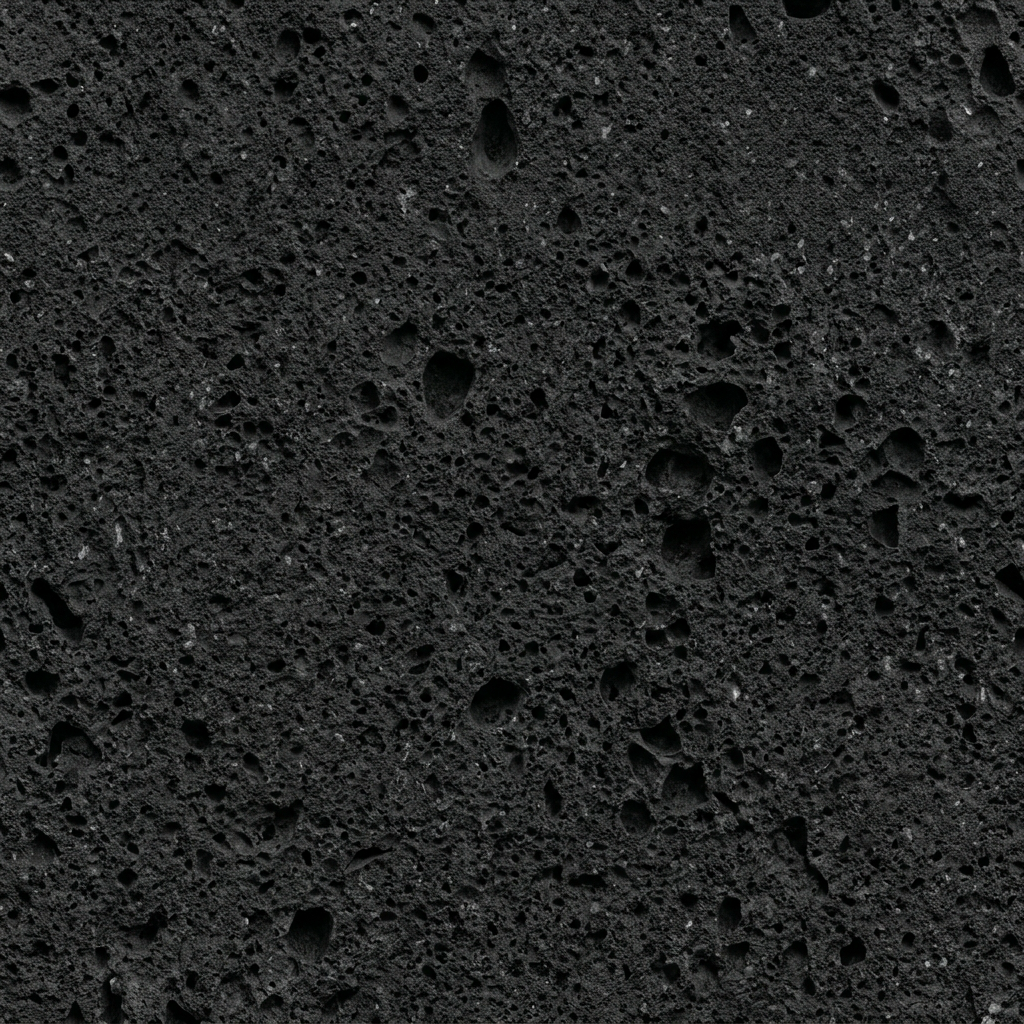 Porous Volcanic Basalt
Dark porous volcanic basalt slab with fine vesicular micro-pitting and subtle grey veining, flat top-down tileable surface
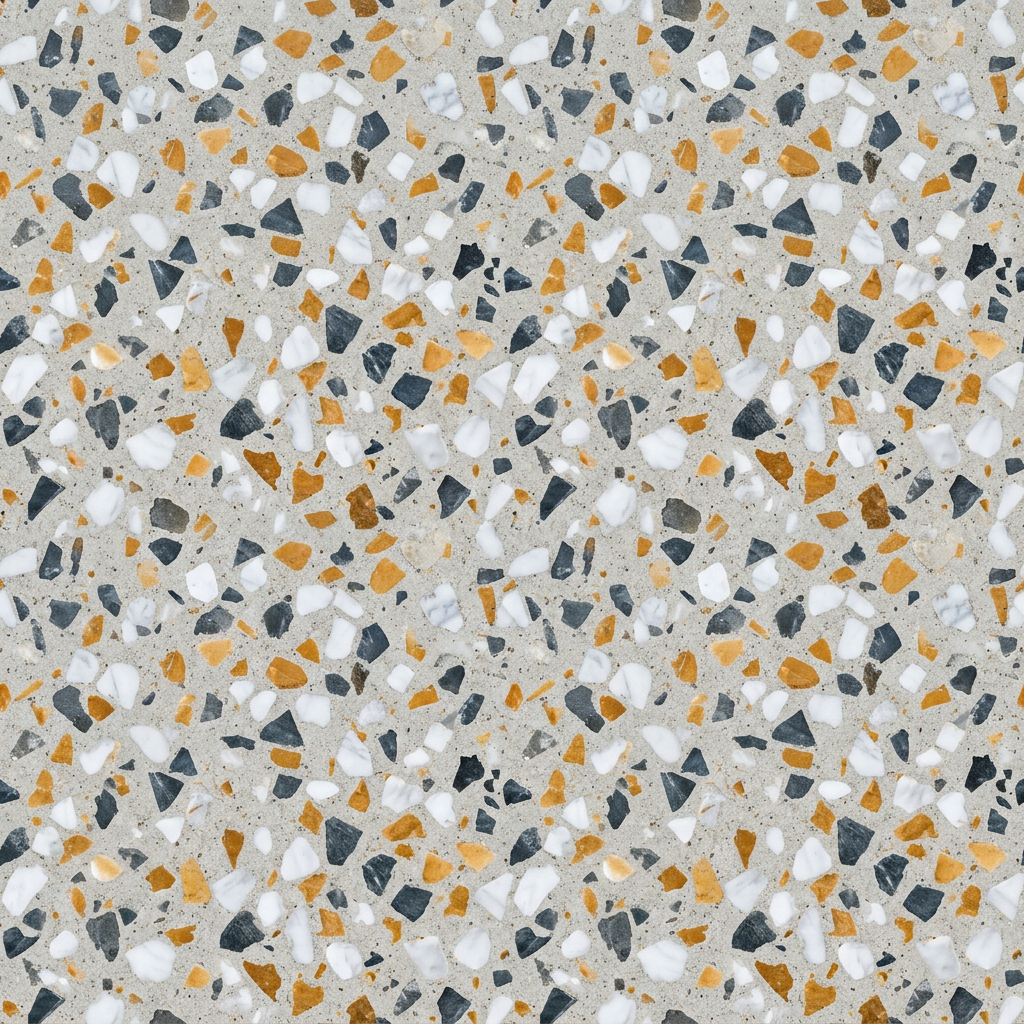 Architectural Terrazzo
Matte architectural concrete terrazzo floor speckled with white marble, warm amber, and dark slate aggregate chips, seamless tile
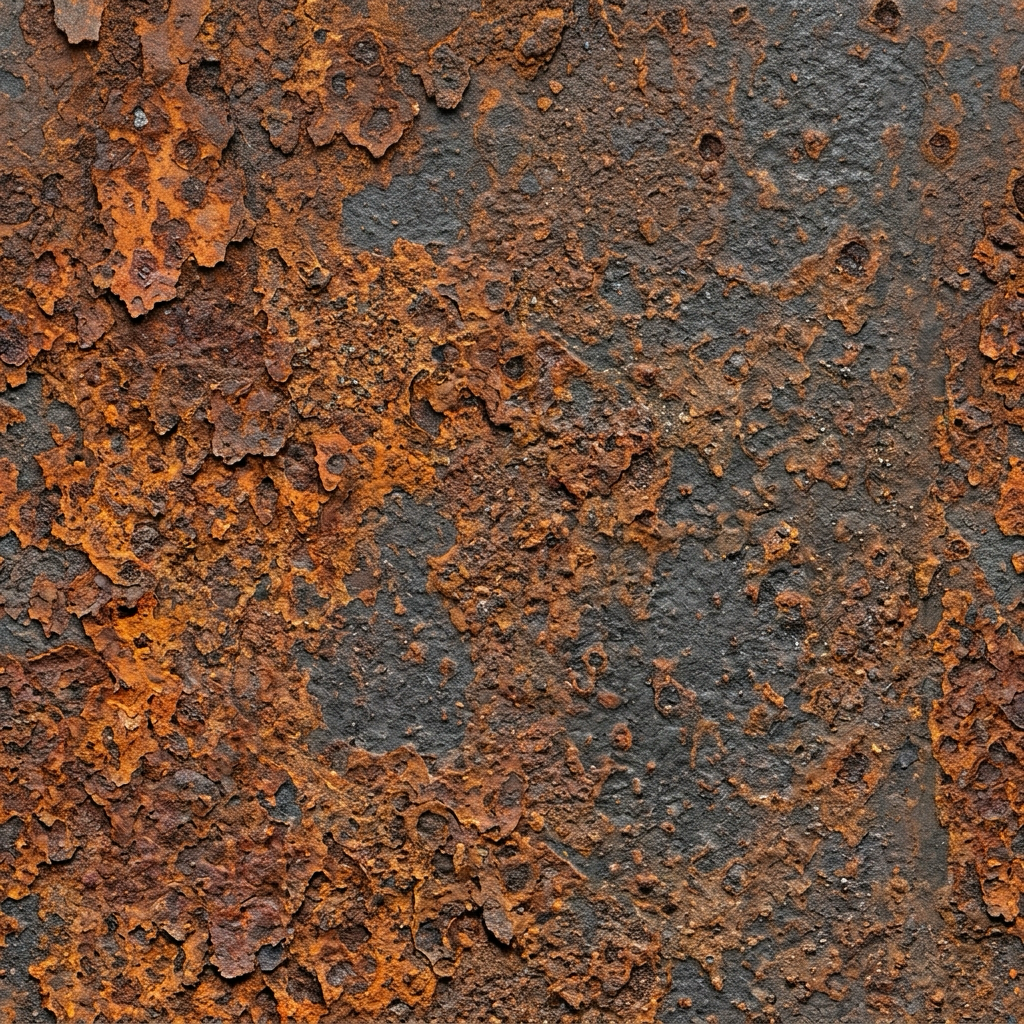 Weathered Rusted Iron
Heavily oxidized industrial cast iron plate with orange-brown rust flaking and pitted dark metal patches, flat lighting
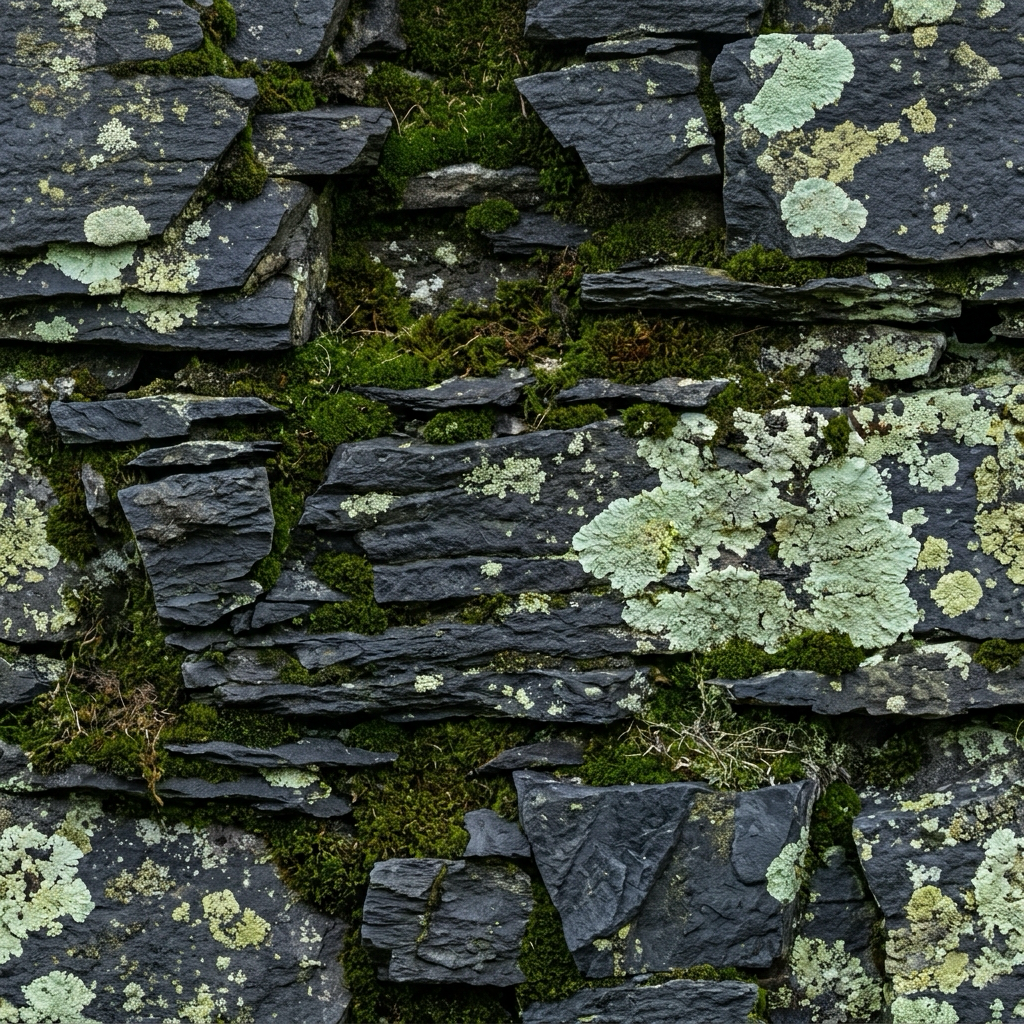 Mossy Cliff Slate
Layered dark slate cliff slabs with damp pale-green lichen and soft forest moss tucked into crevices, seamless top-down texture
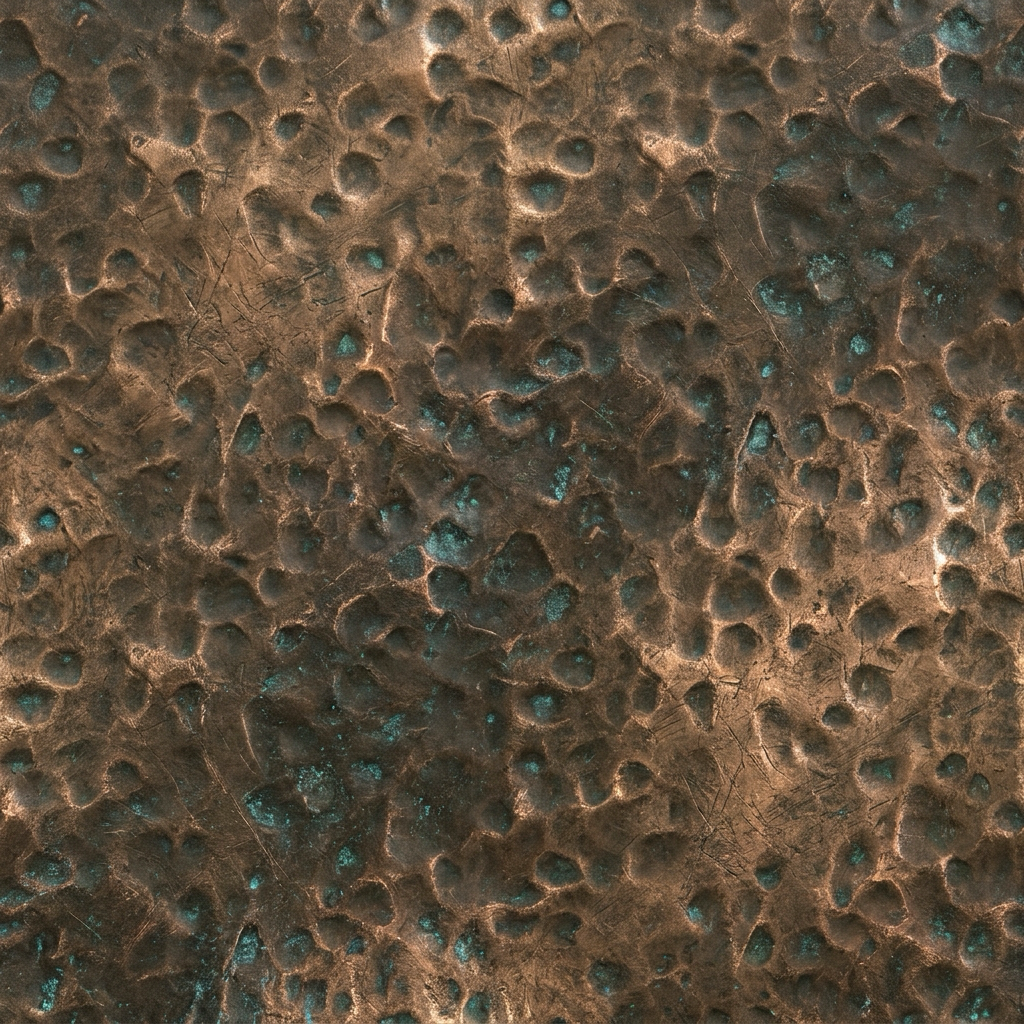 Oxidized Hammered Copper
Aged hammered copper sheet with warm bronze highlights and verdigris patina settled inside recessed dimples, flat diffuse lighting
Select one of six material presets or describe your surface inside the AI texture generator prompt box.
Attach up to three reference photos—or switch to Upload Photo—and pick 1K, 2K, or 4K output.
Check 2×2 tiling or 3D lighting, download your PNG, or extract all five PBR maps in one click.
Ordinary image models draw angled perspective and strong side shadows, so repeating their output across a floor or wall creates glaring grid lines. Our AI texture generator prompts for flat orthographic top-down framing and neutral diffuse lighting, then lets you verify edge continuity inside the 2x2 seamless view before downloading.
Yes. Switch the workbench to Upload Photo for instant zero-credit browser edge blending, or attach up to three real-world snapshots of brick, fabric, timber, or stone in Generate with AI mode to preserve real color palettes while flattening harsh flash falloff and uneven borders.
Every generated texture exports as a standard square PNG at 1K, 2K, or 4K resolution. Drop the file straight into Blender Shader Editor, Unreal Engine 5, Unity, Godot, Cinema 4D, Revit, D5 Render, or 2D surface patterns in Photoshop and Figma without conversion.
Creating an account grants 60 free welcome credits with no credit card required. Generating a seamless material costs 10 credits at 1K, 20 credits at 2K, and 35 credits at 4K. If an upstream task fails for any reason, your held credits return automatically.
Use this AI texture generator when you want fast tileable base color maps from text or photo references and quick 2x2 repeat checks. Whenever a 3D shader also requires Normal, Roughness, Height, and Ambient Occlusion maps, click Extract 5 PBR Maps to carry your result directly into our PBR studio.
Yes. Materials you generate and download on your account can be used across commercial games, architectural visualizations, product renders, and freelance client projects under our Terms of Service. Unused purchased credit packs are also eligible for a 7-day email refund.
Standard photo generators compose angled camera perspective and directional shadows, which repeat as obvious checkerboard grids across walls or terrain. Orthographic top-down synthesis combined with our 2x2 seam line overlay and optional Smooth Edge Seams blend keeps large UV islands clean at any repeat scale.

Start generating above with 60 free welcome credits on sign-up, preview live 2x2 tiling, and drop clean materials straight into your 3D scene.
Generate Texture